Recruitment Software for Small Business: How to Choose the Right One in 2026
Last updated:

Content Writer

Hiring your first few people with a job ad, a shared inbox and a spreadsheet works fine. Until it doesn’t.
Applications get lost between inboxes, good candidates wait days for a reply and accept other offers, and whoever does the hiring spends evenings sorting CVs instead of running the business.
Recruitment software for small business fixes that by putting jobs, applicants and candidate emails in one place. In this guide, you’ll learn what it does, the signs you need it, which features matter, what it costs and how to pick a system that still fits when your team doubles.
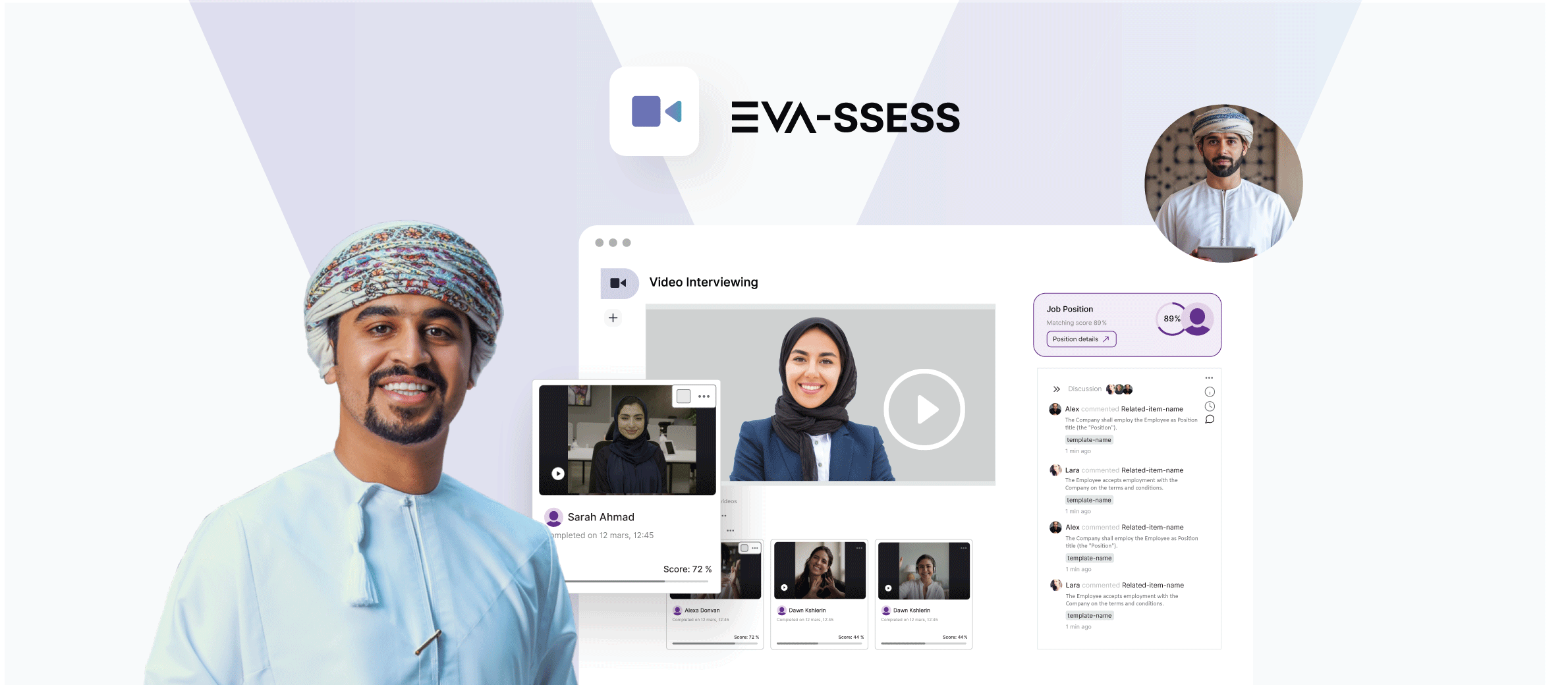
Post jobs easily on Elevatus
Post jobs easily on Elevatus using pre-created job description templates or by building them from scratch, and promote them on the career portal and other 2000+ job boards.
Request a demoKey takeaways:
- Small businesses need recruitment software once applications arrive faster than one person can track them.
- Focus on a few must-haves: multi-board job posting, an editable careers page, one candidate database, a simple hiring pipeline and automated candidate emails.
- Compare pricing models and the total cost, then test three products with a real job before you choose.
Table of Contents
What Is Recruitment Software for Small Business?

Recruitment software for small business is a tool that manages hiring from job posting to offer in one place. It publishes your vacancies, collects every application into a single database, moves candidates through stages such as screening and interview, and sends emails to candidates along the way.
The core of most recruitment software is an applicant tracking system (ATS). An applicant tracking system for small business is a lighter version of the systems large companies use: fewer approval layers, faster setup and pricing that suits a team hiring a handful of people each year. The terms recruitment software, recruiting software, hiring software and ATS are often used for the same product.
Signs Your Small Business Needs Recruitment Software

You don’t need a system for your first hire. You need one when hiring starts to take time away from running the business. These are the common signs:
- Applications arrive in several places. CVs come through email, job boards and messages, and nobody has the full list.
- Candidates wait too long. Good applicants accept other offers while you work through the backlog.
- Spreadsheets are out of date. Status columns, notes and interview times live in different files.
- Hiring managers can’t see progress. Every update needs a meeting or a forwarded email.
- You can’t tell what works. You don’t know which job board brings the people you actually hire.
👉 Small businesses make up 99.9% of U.S. businesses and employ 62.3 million people, or 45.9% of private sector workers (U.S. SBA Office of Advocacy, 2026).
If two or more of these sound familiar, small business recruitment software will save more time than it takes to set up.
Must-Have Features in Small Business Recruitment Software
Small businesses don’t need every feature an enterprise uses. They need the few that remove manual work. Use this table when you compare products:
| Feature | Why it matters | What to ask the vendor |
| Multi-board job posting | Reach more applicants without posting the same ad many times | Which job boards are included in the price? |
| Branded careers page | Gives candidates one place to see your jobs and your company | Can we edit it without a developer? |
| One candidate database | Ends the hunt through inboxes and spreadsheets | Can we search past applicants for new roles? |
| Hiring pipeline | Shows every candidate’s stage at a glance | Can we change the stages to match our process? |
| Email templates and automation | Keeps candidates informed without writing each message | Can stage changes send emails automatically? |
| Hiring manager access | Lets managers review candidates and leave feedback | Do extra users cost more? |
| Simple reporting | Shows time-to-hire and the best sources of hires | Which reports are available without an add-on? |
Two features are easy to overlook. The first is a careers page that is simple to edit, because you will change it every time you hire. The second is automation that sends status updates, since slow replies are where small businesses lose most candidates. For a longer list, see our recruitment software features checklist.
Manage your career portal without technical expertise
Create your own branded career portal with Elevatus. The system is designed to be easy and simple to use, so users can navigate and manage their career portal without technical expertise.
Request a demoHow Much Does Recruitment Software Cost for a Small Business?

Prices vary widely, so compare pricing models before you compare numbers. Most vendors use one of these:
- Per user per month: you pay for each person who logs in. This works well when only one or two people run hiring.
- Per active job: you pay for the number of jobs open at the same time. This suits businesses that hire in short bursts.
- Flat subscription: one price for the whole company within set limits. It is easy to budget for but may include features you won’t use.
- Free or freemium plans: basic posting and tracking at no cost, with limits on jobs, users or features.
Look past the headline price. Ask about setup fees, paid add-ons for reporting or integrations, the cost of extra hiring managers and the minimum contract length. Then compare the total against what slow hiring costs you today, which our guide on how to reduce cost per hire helps you work out.
Types of Recruiting Software for Small Businesses

Recruiting software for small business falls into four broad options:
- Job posting tools: publish ads to several boards and collect applications. They are cheap but give you little help after the application arrives.
- Small business ATS: a full applicant tracking system with a simple setup. This is the right choice for most growing small businesses.
- Recruiting add-on to an HR or payroll tool: convenient if you already use that tool, though recruiting features are often basic.
- Platforms that scale with you: systems built for larger organizations that also suit fast-growing businesses planning to add teams, locations or approval steps.
Each option maps to one of the wider types of ATS software, from small business systems to enterprise platforms. If you expect to grow quickly, choosing a system you won’t have to replace in two years can save a painful migration later.
Common Concerns About an ATS for Small Business

Is It Hard to Set Up?
No, most small business applicant tracking systems can be running within days. You add your company details and careers page, create your first job and invite your hiring managers. The work is in agreeing on your hiring stages, which is worth doing anyway.
Is Candidate Data Secure?
It should be, but check. Ask where data is hosted, how access is controlled and how you can export or delete candidate records. A reputable vendor will answer these questions in writing.
Is It Worth It if We Only Hire a Few People a Year?
Yes, if each hire matters to the business. A wrong hire in a small team is expensive, and a system that helps you compare candidates properly reduces that risk. A free or per-job plan keeps the cost low in quiet periods.
For small businesses looking to fill specialized technical roles, IT staff augmentation offers another flexible solution. It allows companies to access experienced IT professionals worldwide, scale their teams according to project needs, and bridge skill gaps without the time and expense of traditional hiring.
How to Choose the Right Recruitment Software: 6 Steps

- Write down how you hire today. List your stages, who is involved and where it breaks.
- Separate must-haves from nice-to-haves. Use the feature table above and be strict.
- Shortlist three products. Check that each supports your must-haves and fits your budget model.
- Book demos and run a real test. Post a sample job, move a test candidate through every stage and send an email.
- Check support and training. Ask how quickly the vendor replies and whether onboarding help is included.
- Think two years ahead. Make sure the system can handle more users, more jobs and more locations without a switch.
Your First 30 Days With Recruitment Software

The first month decides whether your team actually uses the system. Keep it simple:
- Week 1: set up your careers page, email templates and hiring stages.
- Week 2: move open jobs and active candidates into the system, and stop using the old spreadsheet.
- Week 3: invite hiring managers and show them how to review candidates and leave feedback.
- Week 4: check time-to-hire and the source of each hire, then remove any stage nobody uses.
Our guide on how to use ATS software covers the habits that keep a system working long after setup.
Final Thoughts on Recruitment Software for Small Business
Good recruitment software for small business puts every job and every candidate in one place, keeps applicants informed and shows you what works, at a price that fits how often you hire.
Because when hiring runs in one system, the time you spent chasing CVs goes back into the business.
Ready to hire without the spreadsheet?
Most growing teams still juggle job boards, inboxes and spreadsheets, and good candidates slip through while the work piles up.
Elevatus, the Agentic AI Hiring Operating System, changes that.
You can post jobs easily using pre-created job description templates or by building them from scratch, and promote them on the career portal and other 2000+ job boards. You can customize unlimited hiring pipelines with different stages according to your business process, and connect pipeline stages with auto-actions such as sending emails or inviting candidates to fill a questionnaire.
✅ Post jobs on the career portal and 2000+ job boards
✅ Customize unlimited hiring pipelines
✅ Manage your career portal without technical expertise
Ready to simplify your hiring? Request your free demo today.
FAQs About Recruitment Software for Small Business
What is the best recruitment software for a small business?
The best recruitment software for a small business is one that covers job posting, applicant tracking and candidate emails at a price that matches how often you hire. It should also be easy for hiring managers to use and able to grow with your team.
Is an ATS worth it for a small business?
Yes, an ATS is worth it for a small business once applications start arriving faster than you can track them. It saves time on every hire and helps you avoid losing good candidates to slow replies.
How much does recruitment software cost for a small business?
Recruitment software for a small business is usually priced per user, per active job or as a flat subscription, and some vendors offer free plans. Check setup fees, paid add-ons and contract length to find the true cost.
What is the difference between recruitment software and an ATS?
An ATS is the part of recruitment software that tracks applicants through your hiring stages. Recruitment software is the broader term and may also include job posting, a careers page, assessments and reporting.
Can a small business use free recruitment software?
Yes, a small business can start with free recruitment software for basic job posting and applicant tracking. Most free plans limit the number of jobs, users or features, so check the limits before you depend on one.
What is the best recruiting software for startups?
The best recruiting software for a startup is quick to set up, priced for a small number of hires and able to grow with the team. Look for multi-board job posting, an editable careers page, a simple hiring pipeline and automated candidate emails.
How do you choose the right recruitment software for a company?
Write down your hiring stages and must-have features, shortlist three products that fit your budget and test each one with a real job. Then check integrations, support and how the system will handle more users and jobs as you grow.
Turn top talent to employees fast
Hire, assess, onboard and manage top talent for every job. See how Elevatus streamlines everything; from acquire to new hire.
Request a demoAuthor
Kiran Kazim is a Senior SEO Content Specialist at Elevatus with more than eight years of experience writing about HR and technology. With a background in HR, she writes about talent acquisition, recruitment technology and workforce compliance in the GCC, using primary sources such as official government guidance and platform data.
Don't miss a thing!
Stay one step ahead. Subscribe and get the latest updates, news, and insights from Elevatus straight to your inbox.